
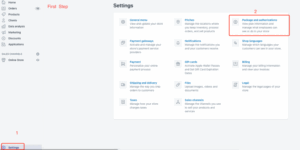
Step 1: Click “Settings” at the bottom left, then choose “Package and Authorizations.”
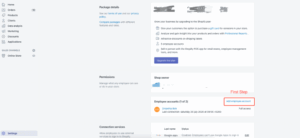
Step 2: Next, click “Add Employee Account” just like shown in the picture below.
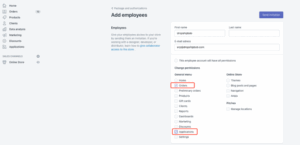
Step 3: Choose “Orders” and “Applications” from the list.
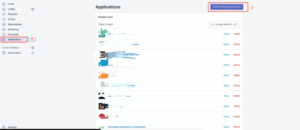
Step 4: Click on “Applications,” then select “Visit the Shopify App Store.”
Step 5: Click on the search bar and type “Dianxiaomi.”
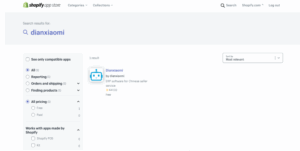
Step 6: When you see Dianxiaomi in the results, click “Add App.”

Very important:
Do not sign up on that website. Just close it!